2D Motion Graphics & Animation
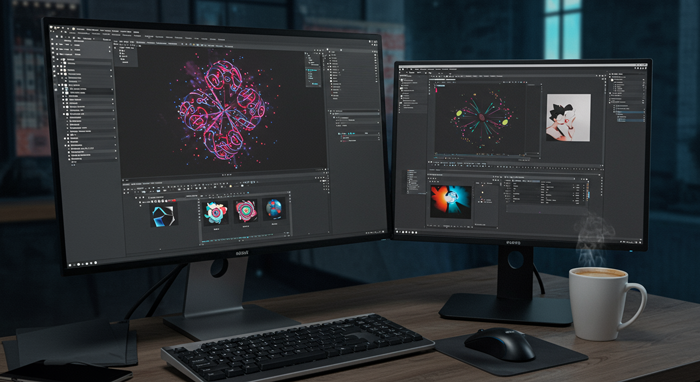
In one month of daily 40‑minute sessions, learn to design assets in Illustrator/Photoshop and bring them to life in After Effects. You’ll cover motion‑graphics principles, keyframing, and dynamic transitions.
Course Outline
Week One: Foundations in Motion Design
You’ll get to know the core principles of motion graphics and animation. We’ll dive into timing, easing, and keyframe basics using Adobe Illustrator to create clean assets you can animate.
Week Two: Photoshop and Asset Preparation
Learn how to prepare and organize your layers in Photoshop. You’ll build detailed illustrations and export them for seamless animation in After Effects.
Week Three: After Effects Essentials
Explore After Effects’ interface and workflow. You’ll master keyframing, shape layers, masks, and simple effects to bring your graphics to life.
Week Four: Putting It All Together
Work on a final mini‑project that combines your Illustrator art, Photoshop assets, and After Effects animation. We’ll review your work and polish your motion design so it’s ready to share.
FAQs
Q: Do I need any animation experience?
A: Nope. We start with the basics and guide you step by step.
Q: Which software do I need?
A: Adobe Illustrator, Photoshop, and After Effects. If you don’t have them, we’ll point you to free trials.
Q: How long are the classes?
A: Forty minutes daily, Monday through Thursday, so you can fit it into a busy schedule.
Q: Will I get support outside class?
A: Yes. You can ask questions in our private chat group and get feedback on your work.
Q: Do I need a powerful computer?
A: An i7 processor, 8 GB of RAM, and an SSD will keep things running smoothly.
Q: Is there a certificate at the end?
A: Absolutely. Finish your final project and you’ll earn an official certificate from Abbottwolf Studio.
There are no reviews yet.