
Digital Painting Fundamentals
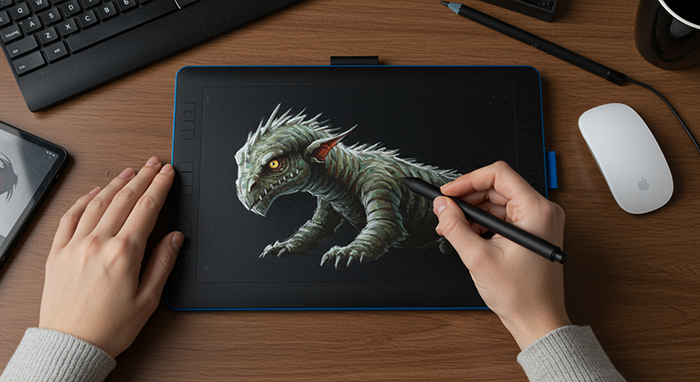
Fast‑track your digital art skills in two weeks of Photoshop training. Learn brush control, layering, and composition on a graphic tablet—40 minutes a day—to start creating polished illustrations and concept art.
Course Outline
Week 1 – Getting Comfortable with Your Tablet
Learn the Photoshop workspace and how to customize your brush settings. You’ll practice basic strokes, layering techniques, and simple sketch exercises to get your pen flowing naturally.
Week 2 – Bringing Your Art to Life
Dive into color theory, shading, and lighting to add depth and emotion to your illustrations. You’ll tackle a mini project—sketch to polished piece—and learn how to export your work for sharing online or in a portfolio.
FAQs
Q: Do I need prior drawing experience?
Not at all. We’ll start with simple sketch drills and build your confidence from day one.
Q: What hardware do I need?
An i7 laptop or PC with 8 GB of RAM and SSD—you can use our studio tablets or bring your own.
Q: Which software are we using?
Adobe Photoshop. Don’t worry if you’ve never opened it before; we’ll walk you through every tool.
Q: How long are the classes?
Forty minutes a day, Monday through Thursday, so it’s easy to fit into your week.
Q: Will I get to keep my files?
Absolutely. You’ll get all your practice PSDs and a resource pack to keep learning after class.
Q: Is there a certificate?
Yes. Complete the final project and you’ll earn a certificate from Abbottwolf Studio.
There are no reviews yet.