
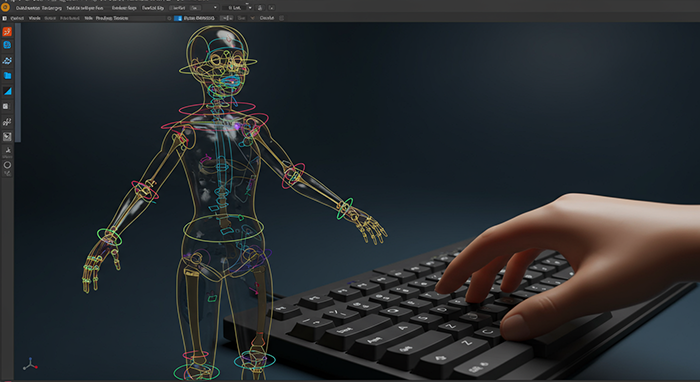
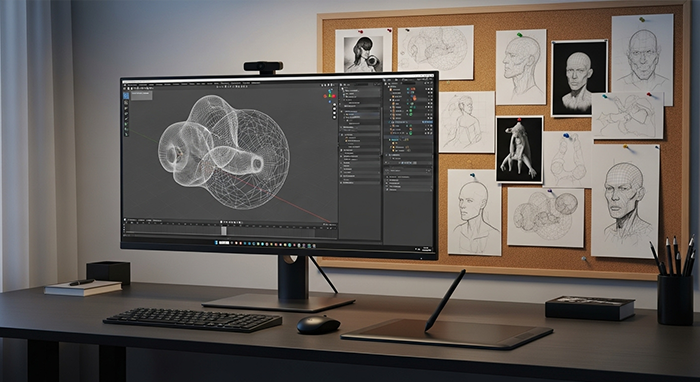
Blender Character Rigging Crash Course
Description: Get characters moving in just two weeks. You’ll learn armature creation, weight‑painting, and control‑rig setup in daily 40‑minute tutorials—ready for animation or game integration.
Course Outline
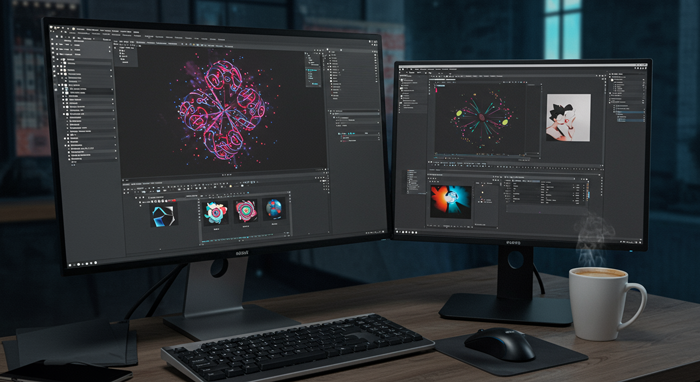
Week One – Getting to Know Premiere Pro
You’ll explore the interface, import and organize your clips, and get comfortable with the timeline and basic editing tools. By week’s end you’ll cut together a short sequence and understand how to trim, ripple edit, and assemble your footage.
Week Two – Polishing Your Edit
You’ll dive into transitions, basic color correction, and audio mixing. Learn how to balance levels, add simple effects, and export your final video. By the end you’ll refine a complete short project ready to share.
FAQs
Q Do I need any editing experience
A Not at all. We start with the basics so even first‑timers can jump right in.
Q What software do I need
A Adobe Premiere Pro. If you don’t have it yet, we’ll point you to a free trial.
Q How long are the classes
A Forty minutes a day, Monday through Thursday, so it fits into a busy schedule.
Q Will I learn color grading
A You’ll cover basic color correction techniques to make your footage pop.
Q Do I need a powerful computer
A An i7 processor, 8 GB RAM, and an SSD will keep Premiere Pro running smoothly.
Q Will I get a certificate
A Absolutely. Complete your final edit and you’ll earn a certificate from Abbottwolf Studio.
There are no reviews yet.