
Graphic Design Foundations
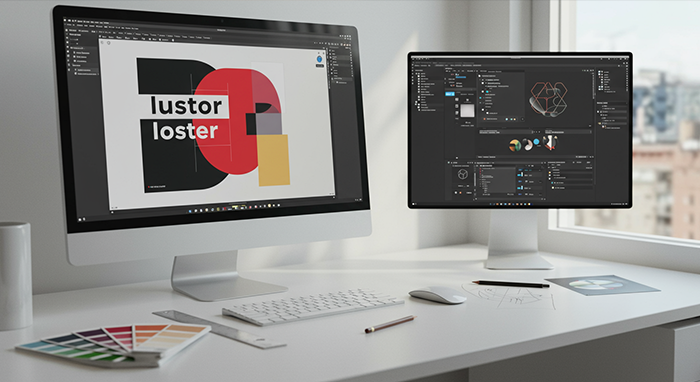
Build your visual communication toolkit in two weeks of daily 40‑minute classes. Learn layout, typography, and branding using Photoshop and Illustrator to craft eye‑catching print and digital designs.
Course Outline
Week 1 – Design Essentials
• Learn the building blocks of great design: layout, balance, and contrast
• Dive into color theory and how to choose palettes that pop
• Master typography basics—pairing fonts, hierarchy, and readability
• Hands‑on: design a poster or flyer from scratch
Week 2 – Real‑World Projects
• Get comfortable in Photoshop and Illustrator—layers, masks, shapes, and paths
• Work with templates vs. creating original assets
• Branding 101: logo concepts, style guides, and consistency
• Final project: build a mini‑brand kit (logo, business card, social post)
FAQs
Q: Do I need prior design experience?
A: Not at all. We start with foundations and build up, step by step.
Q: Which software will we use?
A: Adobe Photoshop and Illustrator. No worries if you’re new—they’re easy to pick up.
Q: What computer setup do I need?
A: An i7 processor, 8 GB RAM, and an SSD will keep everything running smoothly.
Q: How long are the classes?
A: Each lesson is 40 minutes, Monday through Thursday—perfect for fitting into a busy week.
Q: Will I get practice files and templates?
A: Yes. You’ll receive all the assets, templates, and resources you need to keep practicing after class.
Q: Do I get a certificate?
A: Absolutely. Complete your mini‑brand kit and you’ll earn a certificate from Abbottwolf Studio.
There are no reviews yet.